
What happens to your footage after the shoot.
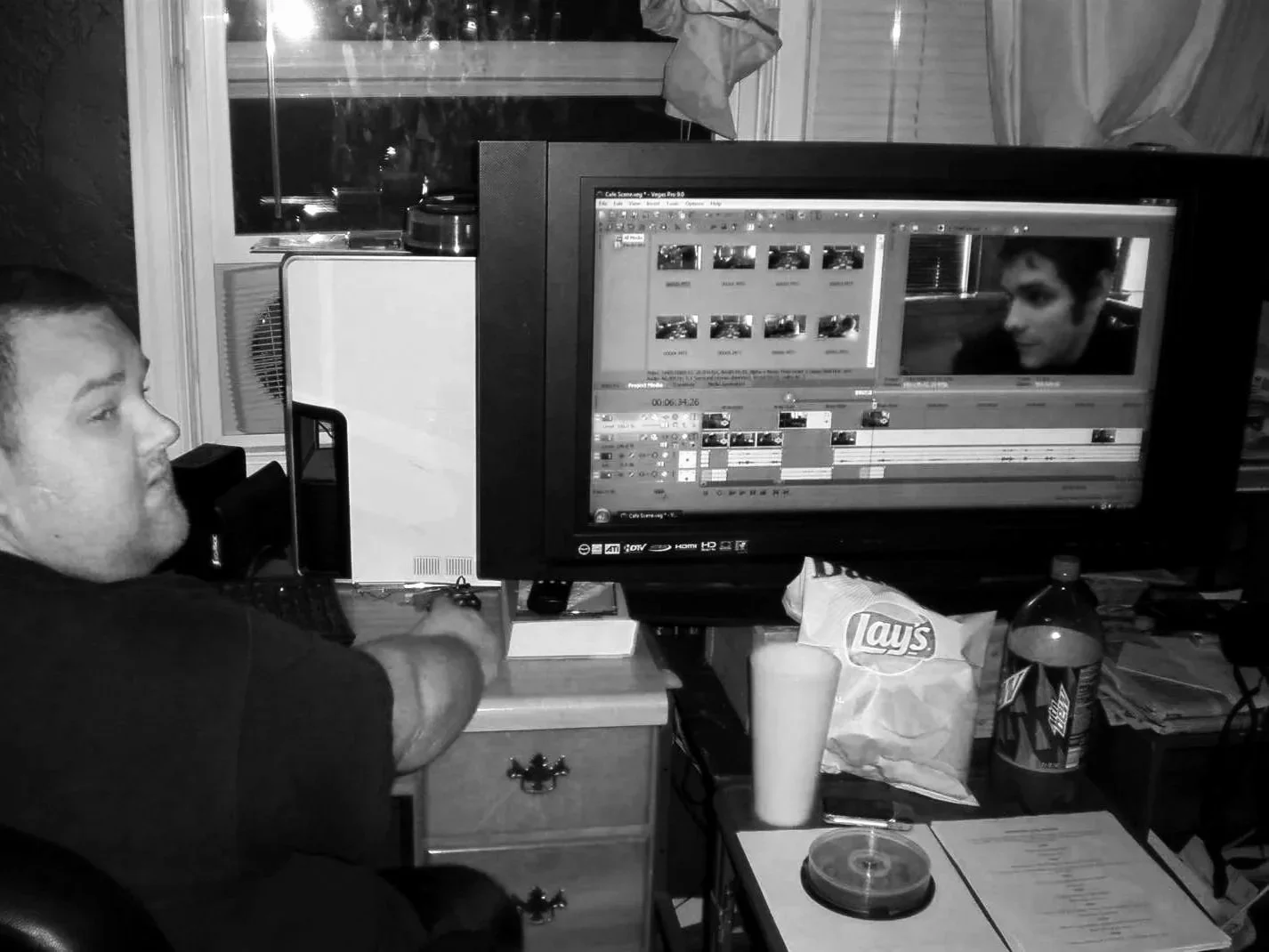
Seventeen years ago I opened a project three days before a screening and found red everywhere. Half the media was offline, the music was missing and the B-roll had come unlinked. The edit, for all practical purposes, was gone.
I was 22, and my entire organization system was a desktop folder called "Edits." I frantically rebuilt the cut in a panic and barely made the screening. Luckily, nobody in that room ever knew. But I knew, and I've spent the seventeen years since making sure no client of mine ever has to hear the sentence "we lost some of your footage."
The part of the video post-production process nobody sells you on
When you hire a studio, you're evaluating the obvious things. The reel. The taste. Whether the work moves people. Those are the things that matter, right?
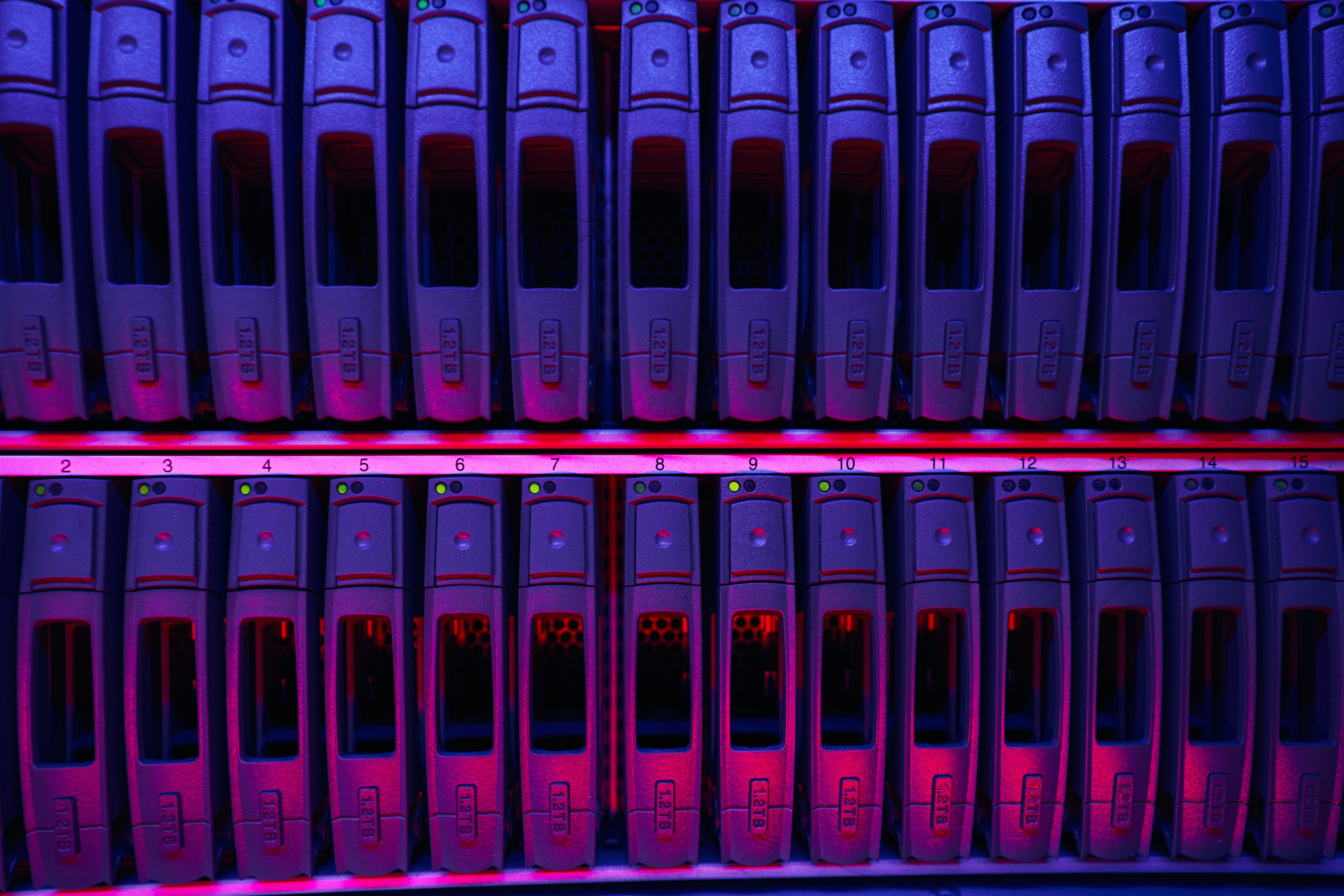
But what almost nobody asks about is media management: where your footage lives, how it's named, who can find it, and what happens to it when the project ends. It sounds like plumbing because, well, It is plumbing. And plumbing is exactly what fails at the worst possible moment.
Most missed deadlines in post have nothing to do with creative struggle. They come from an editor hunting for a file that should have taken four seconds to find. From a version labeled "final_v3_REAL" that turns out not to be the one the client approved. From a drive that got wiped because nobody could tell which projects on it were still live.
Every one of those is an organization problem wearing a creative problem's clothes.
Three questions worth asking any post house
Before you hand over a shoot's worth of footage, ask:
- Where will my media live, and how is it named? There should be a real answer, not a shrug. Ours is a standard structure applied to every single project, with a folder name that starts with the date the project began and includes the client and project name. That means any editor on our team, on any day, can open a drive and know exactly what they're looking at without asking anyone.
- How will I receive the finished work? "I'll send you a link" is not a delivery system. You should get one clearly labeled folder containing your final files, your supporting materials like stills and captions and project documentation, and a record of what was delivered and when. It should match your invoice line for line. It should be something your team can hand to a new hire in two years and have them understand it immediately.
- What happens to my project after it wraps? The answer should include a specific timeline and a specific place. If a studio can't tell you where your project will be six months from now, assume it will be nowhere.
What our system actually does for you
Here's the short version of how we work, and more importantly, what each piece buys you.
Every project gets its own dated, named home. Sources, working files, and exports are separated from day one. When you call in the middle of a project and say "can we try the interview take where she laughs," we're not searching. We're already in the timeline.
Drafts and finals never mix. Review versions live in one place, approved deliverables in another. This is why you'll never receive a rough cut labeled as a final, and why we can tell you precisely which version your stakeholders signed off on.
Deliverables ship as a package, not a pile. One folder, clearly named, with everything in it. Finals, supporting assets, and documentation. Archive-ready the moment it lands in your hands.
Finished projects stay live for 30 days. That window catches the late revision request, the "legal wants one line changed" email, the last-minute cutdown for a different platform. It's also an honest boundary: after 30 days, a project has used up its revision rounds, and further changes are new work with a new budget. Everyone knows where they stand.
After that, projects are consolidated and archived. Unused media gets stripped, the project gets optimized, and it moves to long-term storage. Which means when you come back eighteen months later wanting a fifteen-second cutdown for a conference booth, the answer is yes, not "let me see what we still have."
Why this shows up in the work
There's a version of this argument that stops at risk. Good systems mean nothing gets lost. True, and not the interesting part.
The interesting part is what discipline frees up. An editor who isn't fighting their file structure is an editor thinking about your story. Every hour not spent relinking media is an hour spent on the pacing of your opening, the grade on your hero shot, the sound design that makes a product feel expensive.
We built our process over a decade in broadcast television, working with networks including Discovery, Insight, and MotorTrend, where a delivery deadline is not a suggestion and a missing file is a broadcast failure. We kept those habits when we started taking on brand work, because the stakes only look different. Your campaign launch is your air date.
The quiet promise
Most of what we do well, you will never see. You won't see the naming convention. You won't see the archive. You'll see a video that arrives when we said it would, in the format you asked for, with the files where you expect them.
That's the whole idea. The systems exist so the only thing you have to think about is whether the work is any good.
If you're planning a project and you'd like to know exactly how yours would be handled from footage to final delivery, get in touch. We'll walk you through it before you commit to anything.